
Add the rate con
Upload the PDF, pick a photo or paste a screenshot. The app reads it, you check the details, and the load is in your list.
Rate con in. Invoice out. Mark it paid.
Free for owner-operators with 1 to 3 trucks.

iPhone and Android. Search “Armor Labs Inc.” in the store.
The paperwork you do at night after driving: the load, the invoice, the POD and the payment, all on your phone.
Upload the PDF, pick a photo or paste a screenshot. The app reads it, you check the details, and the load is in your list.
Open the load from the Pay tab, check the amount and the broker’s billing email, and tap Send invoice. The rate con and POD go with it, and the app keeps the billing email for next time.
Record a full or partial payment when it lands, or share the whole packet with your factoring company.
Your USDOT or MC
number is all it takes to start
Sent to the email FMCSA
has on file for your authority
Dry van, reefer, flatbed, step deck,
power only, hotshot and box truck
Three screens from download to your own truck profile.
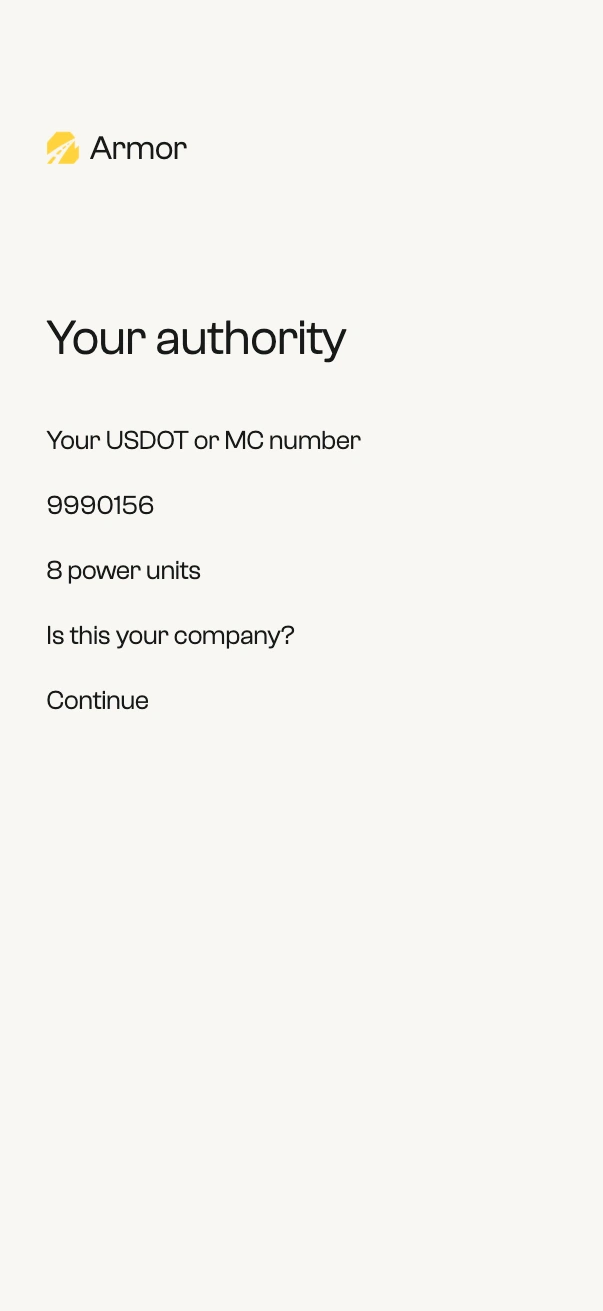
Type your USDOT or MC number. The app finds your company in FMCSA’s records and asks you to confirm it is yours.
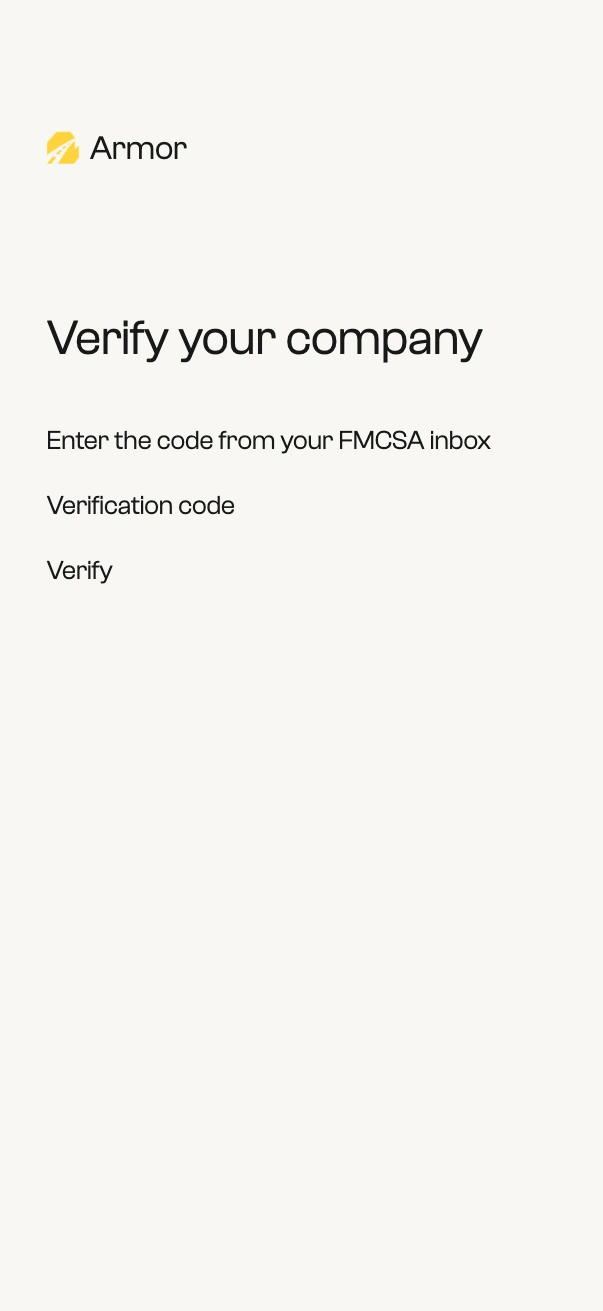
We send a 6-digit code to the email FMCSA has on file for that number. Enter it and you are signed in.
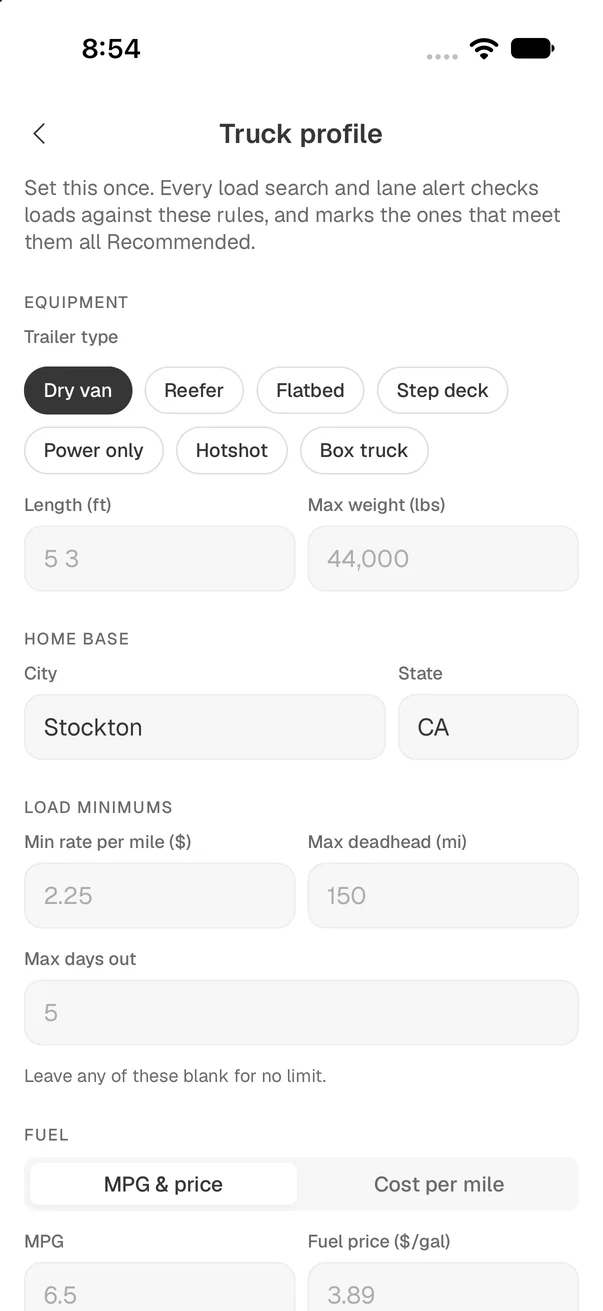
Pick what you pull, your home base, your minimum rate per mile and maximum deadhead, your fuel numbers, and the lanes you want or skip.
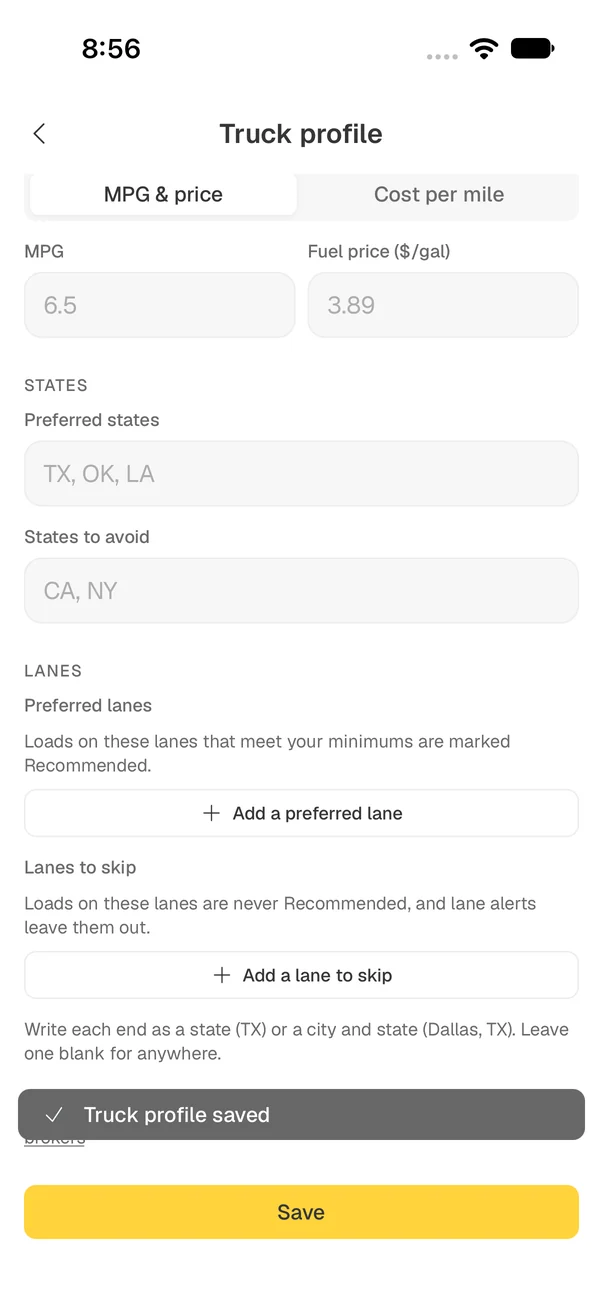
Your truck profile holds the rules you already keep in your head: what you pull, where you start, what a load has to pay and how far you will run empty to get it.
Minimum rate per mile, maximum deadhead and maximum days out, saved on your truck profile. Leave any of them blank for no limit.
Preferred states, states to avoid, preferred lanes and lanes to skip, each set as a state or a city and state.
Track fuel as MPG and price per gallon, or as a cost per mile.
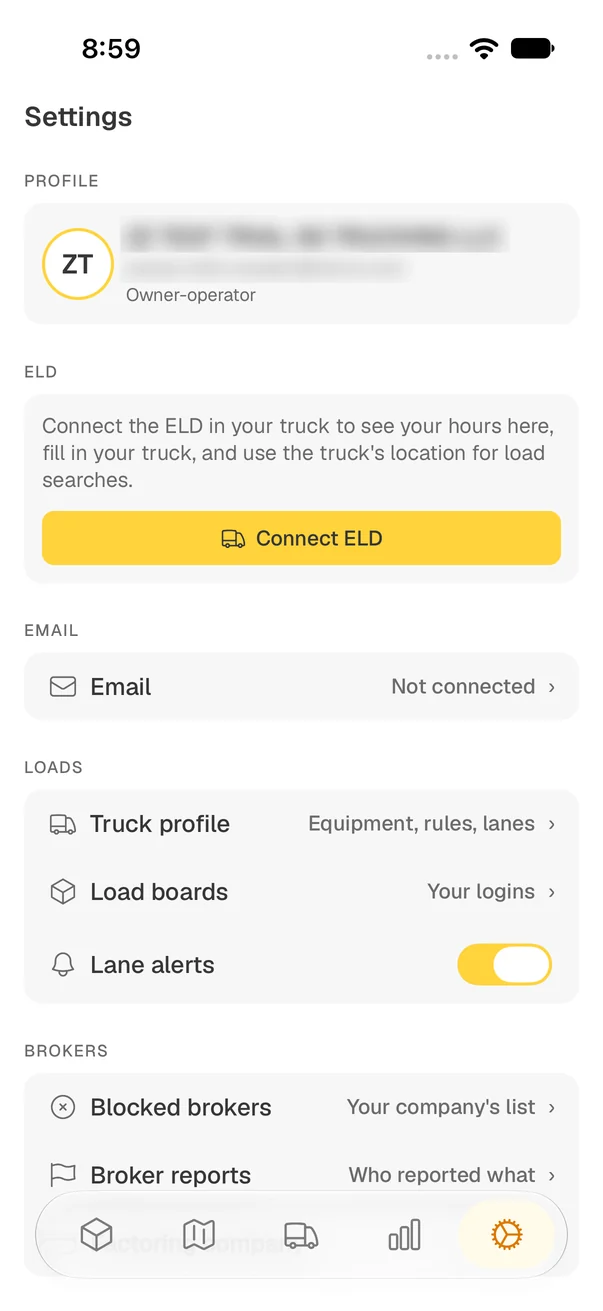
Your ELD, your email, your load board logins, lane alerts and the brokers you block all live in one place.
Real screens from the Armor app.
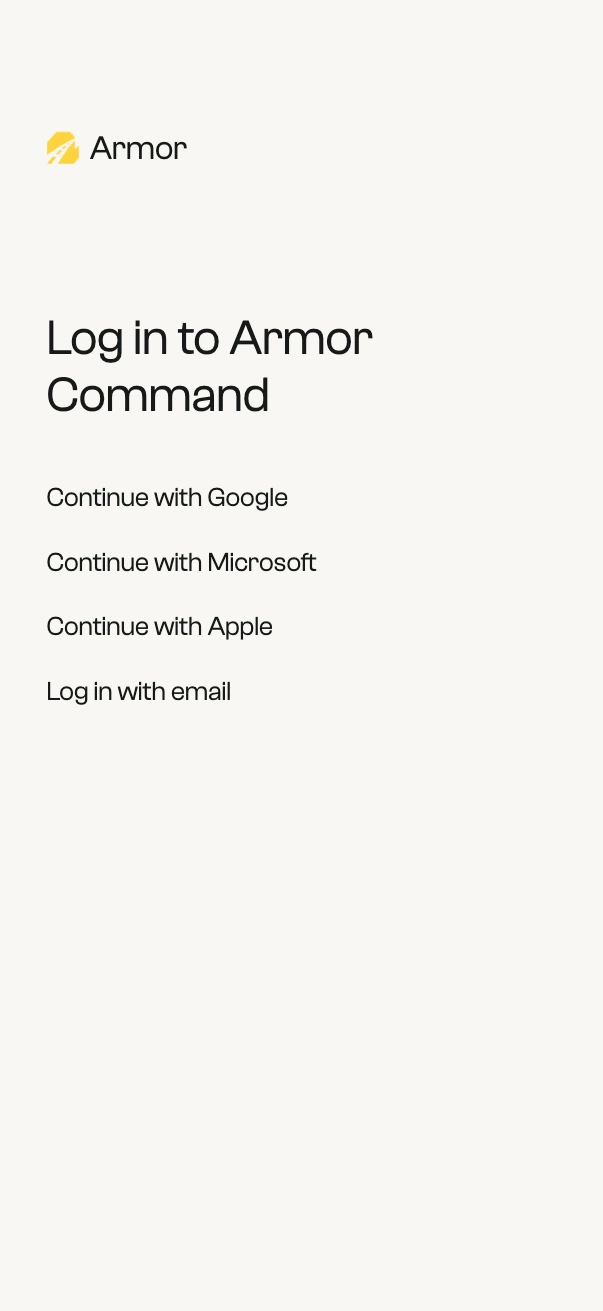
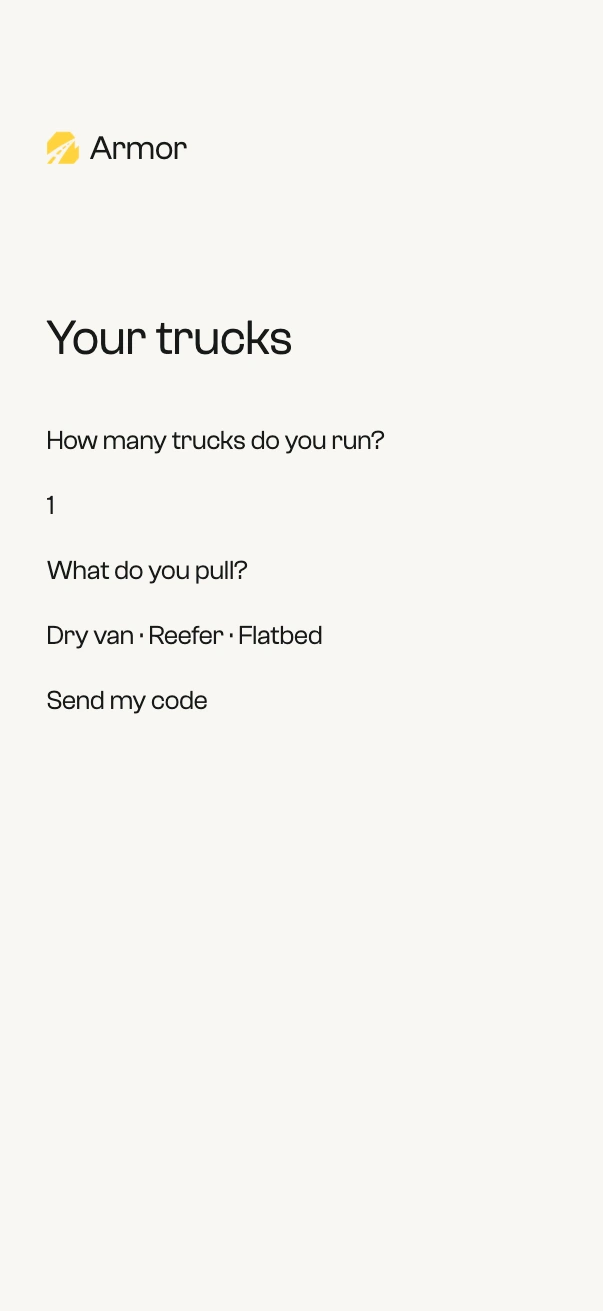
Owner-operators who run under their own USDOT authority. When you sign up, the app asks how many trucks you run and what you pull.
Your USDOT or MC number, and access to the email address FMCSA has on file for it. The app looks up your company from that number and sends the sign-up code to that email.
It proves the authority is yours before anyone can open an account under it. If an office or a filing agent manages that email, ask them for the code, or tap Resend code.
Yes. Open the delivered load from the Pay tab, check the amount and the broker’s billing email, and tap Send invoice. The rate con and POD go with it. You can also share the packet with your factoring company and mark the invoice paid.
Yes. Search “Armor Labs Inc.” in the App Store or on Google Play, or use the buttons on this page.
Owner-operator sign-up is in the phone app. If you run a fleet with dispatchers in an office, Armor Command on the web is built for that.
Armor is free for owner-operators with 1 to 3 trucks. There is no trial clock and no card to enter. Running 4 or more? Armor Command is built for fleets.
Free for owner-operators with 1 to 3 trucks. Search “Armor Labs Inc.” or tap a store below.